Device compatibility

Any Fire TV, Android TV or Google TV device.

Install our app in about two minutes using the Downloader app. Everything marked Verified below is in active use by our customers today.

How to install
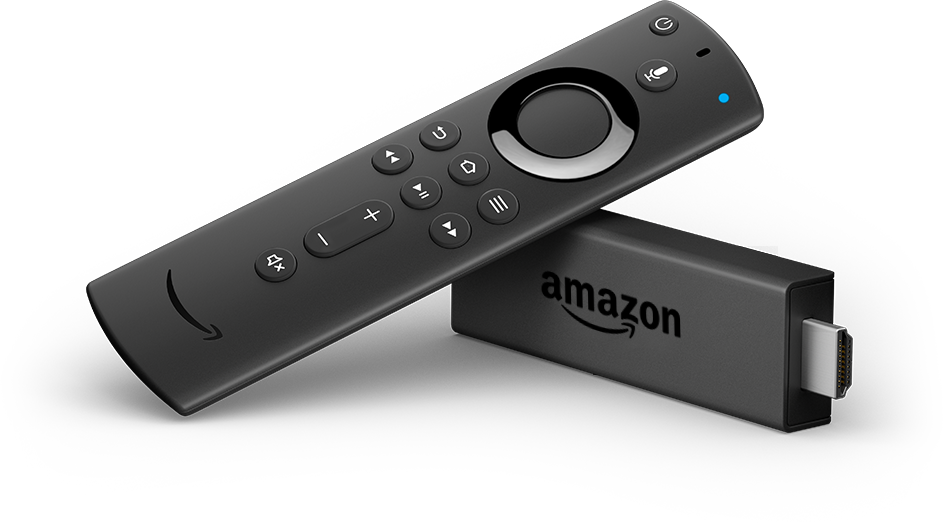
Amazon Fire TV Stick

Streaming players

7 devices

Plug one into an HDMI port. This is what most of our customers use.
Amazon Fire TV Stick

Amazon Fire TV Stick

4K or 4K Max recommended, and the Fire TV Cube.

Not the Fire TV Stick 4K Select or the 2026 Fire TV Stick HD. Those run Vega OS and block app installs. Every older Fire OS Stick works fine.

VerifiedOur pick
Google TV Streamer 4K

Google TV Streamer 4K

Google’s current box. 4K HDR with 32 GB of storage.

Verified
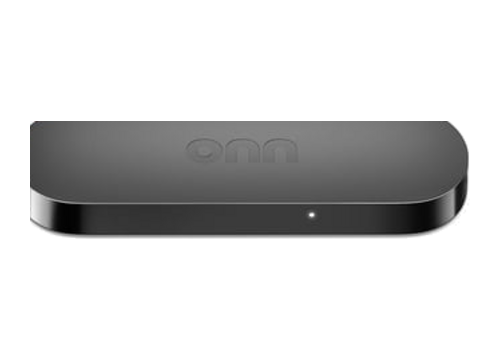
onn. 4K Streaming Box

onn. 4K Streaming Box

Walmart’s Google TV player. The cheapest device that runs our app well.

VerifiedBudget
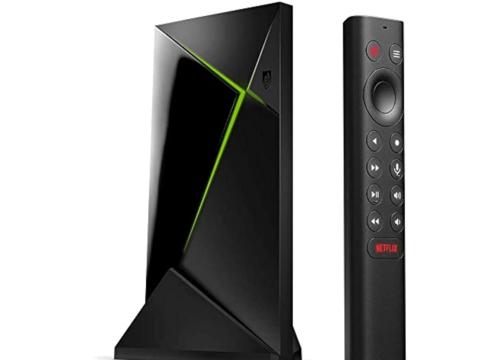
Nvidia Shield TV

Nvidia Shield TV

The premium Android TV player. Fast, with good upscaling.

VerifiedPremium
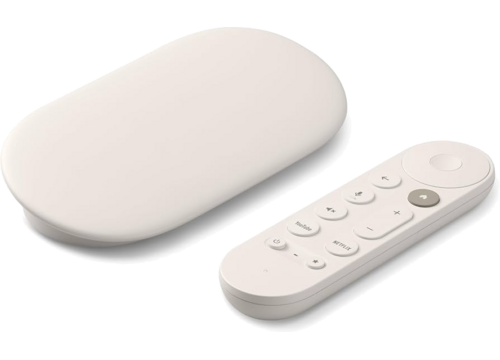
Chromecast with Google TV

Chromecast with Google TV

Runs our app directly. It is a streaming player, not just a cast target.

Older cast-only Chromecast dongles (1st, 2nd, 3rd gen and Ultra) cannot install apps.

Verified
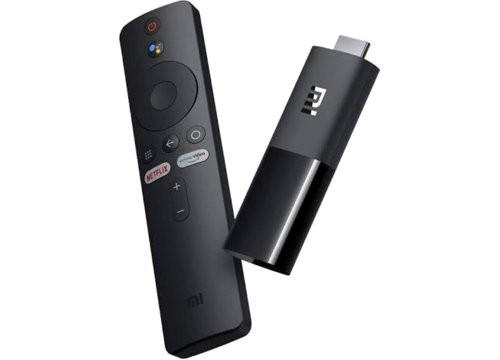
Xiaomi TV Stick 4K

Xiaomi TV Stick 4K

Compact stick that hides behind the TV. Google TV built in.

Android TV
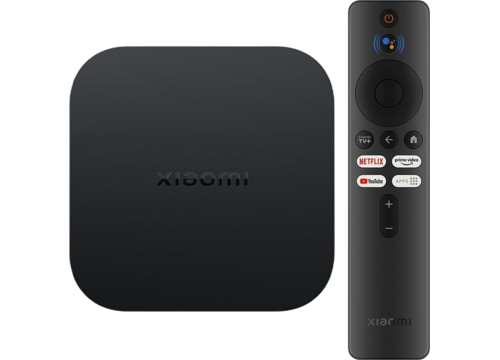
Xiaomi TV Box S

Xiaomi TV Box S

The set-top version. Same Google TV system as the stick.

Android TV

Smart TVs

2 types

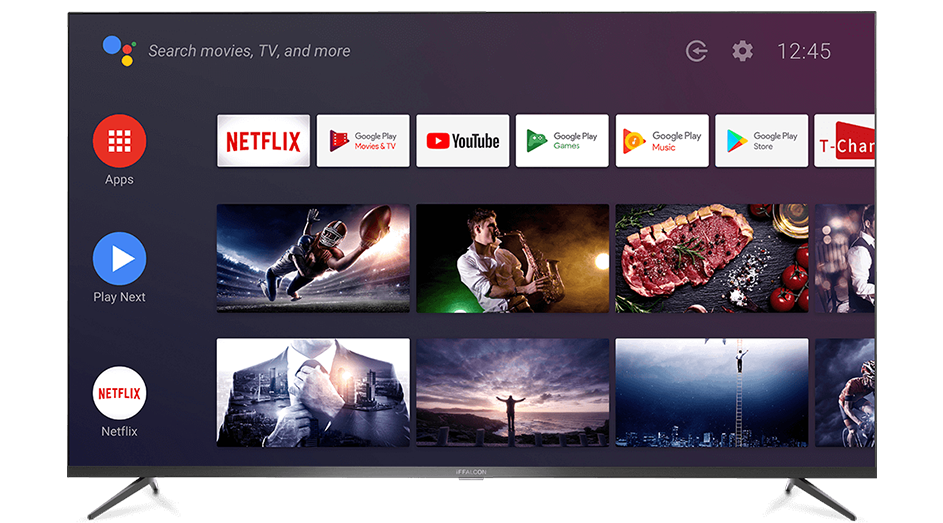
If the television itself runs Android TV or Google TV, you need nothing else.
Sony, TCL, Hisense, Philips

Sony, TCL, Hisense, Philips

Install our app straight onto the television.

Only the Android TV / Google TV versions of these sets. Hisense VIDAA televisions cannot install apps, and Roku TVs are not supported at all.

Verified
📺

Samsung and LG televisions

These do not run Android, so there is no app. Samsung sets work through the TV’s own web browser.

LG webOS is unconfirmed, so ask us first. The simplest fix for any such TV is a streaming player above.

Browser only

Set-top boxes and browser

3 options

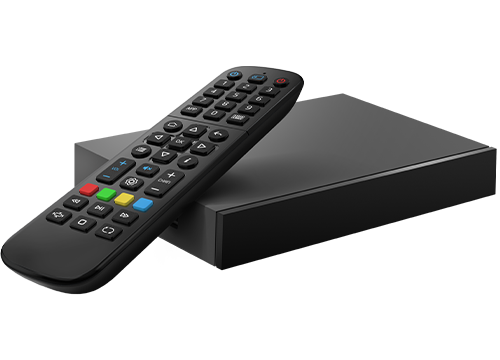
MAG boxes come in two kinds, and each one reaches us a different way.
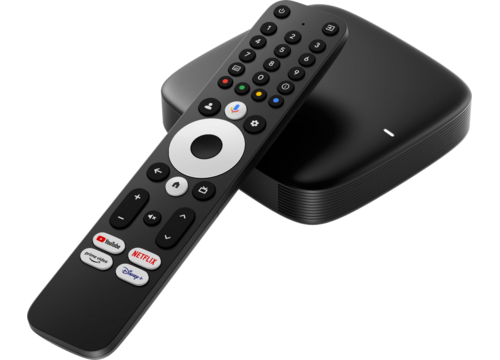
MAG 555, 500A, 425A, 424Aw3

MAG 555, 500A, 425A, 424Aw3

The Android-powered MAG boxes run our app, the same as a Fire TV Stick. They have an A in the model number.

Android MAG
Linux MAG boxes

MAG 254, 322, 420, 424, 540, 544

The classic Linux MAG boxes cannot install apps at all. They use our MAG portal instead.

The portal is in beta. Open a support ticket with your MAG model and we will send you the exact portal address to enter on the box.

Portal beta
📺

Any web browser

Sign in on our website from Windows, Mac, Linux, iPhone, iPad or Android. No app required.

Verified

Not supported

So you do not buy the wrong thing.

Roku devices and Roku TVsNo app, and no web browser either.
Fire TV Stick 4K Select and 2026 Fire TV Stick HDAmazon’s Vega OS blocks app installs.
Apple TVNo Apple TV app. Watch through our website instead.
Hisense VIDAA televisionsCannot install apps.
Kodi, Xtream and M3U playersThird-party players are not supported.